It's a lot of fun to create maps after you've played awhile and you know what kinds of maps you enjoy. You should know that, while playing, you may always hit Escape, select Options, and the last choice is "Save World", so you can see what's actually going on.
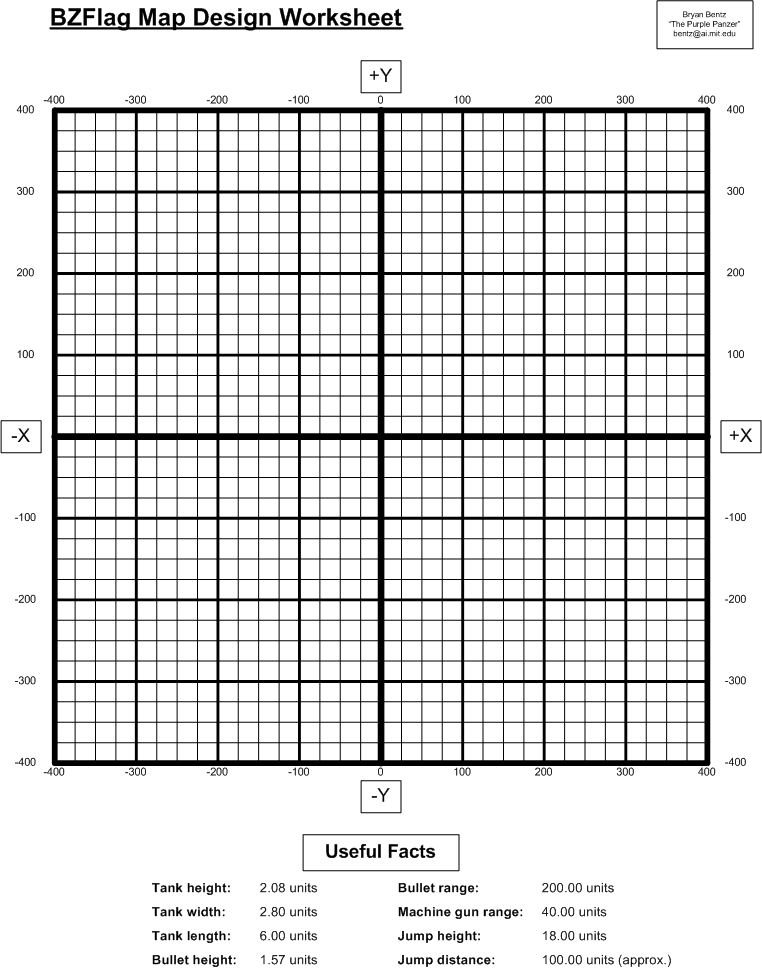
Something pretty trivial, but still quite useful, is a simple map template: a paper grid on which you can draw the main features of a map, and figure out overall spacing issues and rough coordinates. You may download my template, either by clicking here for file in your preferred format. I usually print sheets, and use them to sketch out the overall plan of the design. At the bottom are key numbers you'll likely need for design work.
Even if you're using other design tools, a quick initial sketch is useful to have at hand to have a sense of the overall picture.
Long ago in Version 1 days I wrote a Toolkit for writing maps.
There were a number of advantages to using code, at first for Version One maps. It began as emacs-lisp code, so that it could be run on linux servers in command-line mode to output a map. I did update that for Version 2, though it has limited functionality: main.el. (I don't offhand recall or can find the bash shell invocation for gnu emacs to open that file and run the WriteFile function, but that shouldn't be too hard to find.)
"Visual Basic Express" is the free version of Microsoft's Visual Studio. I used that to build the current toolkit, as I could have a UI to pick the map I wanted to create, or if working from scratch could pick the tree textures, building textures, and sign textures I'd like to have in the map. Other advantages of using software, or whatever form:
The tool has a UI to select elements, but often one starts with a code module (from a Template I have in the tool) for a new map - of course any element used in any other map may be added, or custom items put in (the main thing, of course). The tool then (if a checkbox is checked) on request writes out the map file locally, then runs the local BZFS.exe (the BZFlag server), so that you can use the game client to connect to the local host (127.0.0.1, or I suppose "localhost", but I've never bothered to try that), and as observer or player see what the map looks like. This element of the tool makes the design-visualize-change loop quite efficient.
When Version 2 came along, things changed. I changed my code:
Version 2 allowed many other design options. I tried to learn Blender, and as I've said elsewhere, working full-time limited me, so I'd learn it, then have to get away from it, then try again - after about 4 times I basically stopped. (If it applies to 3D printing I may give it another go).
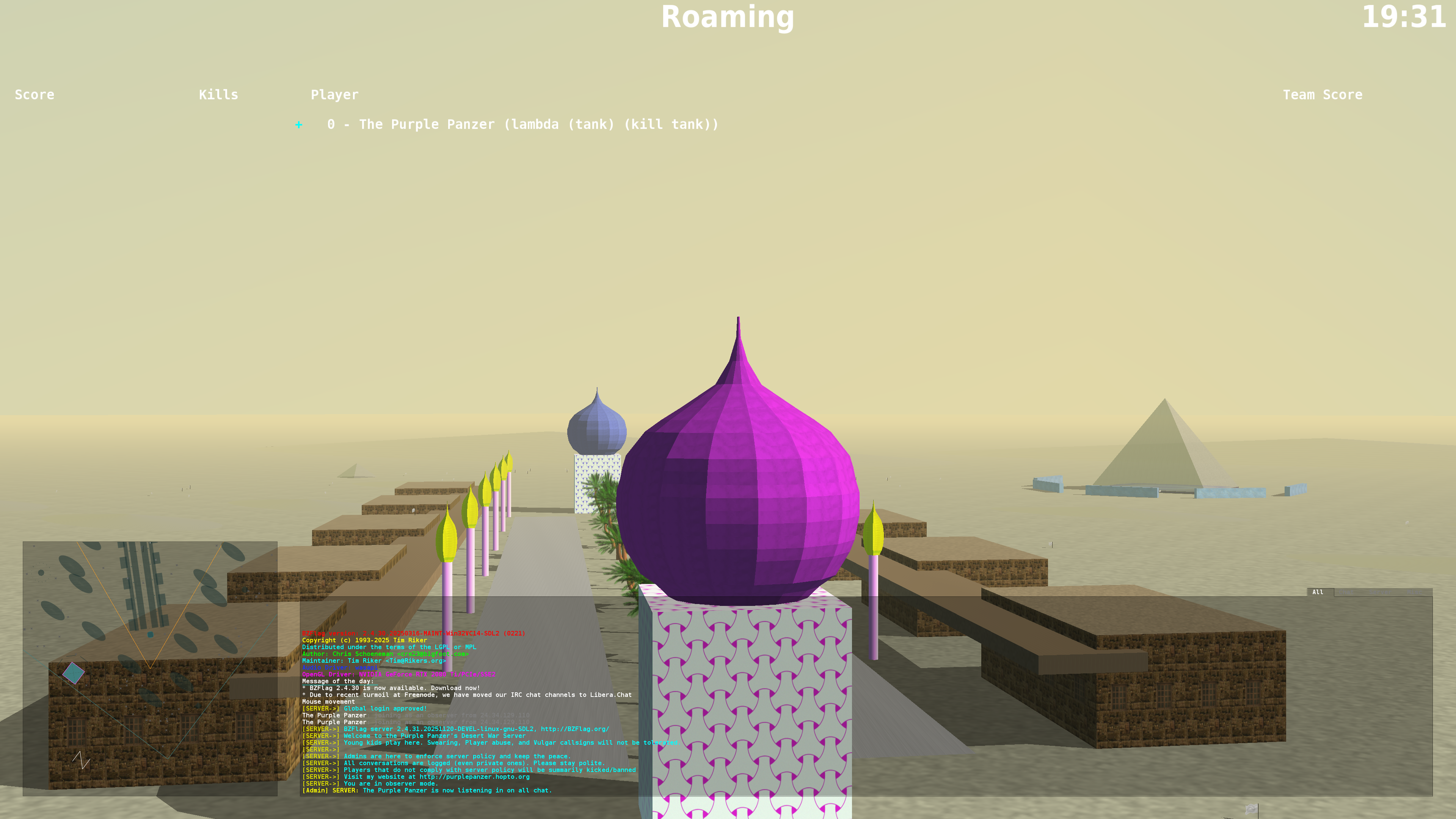
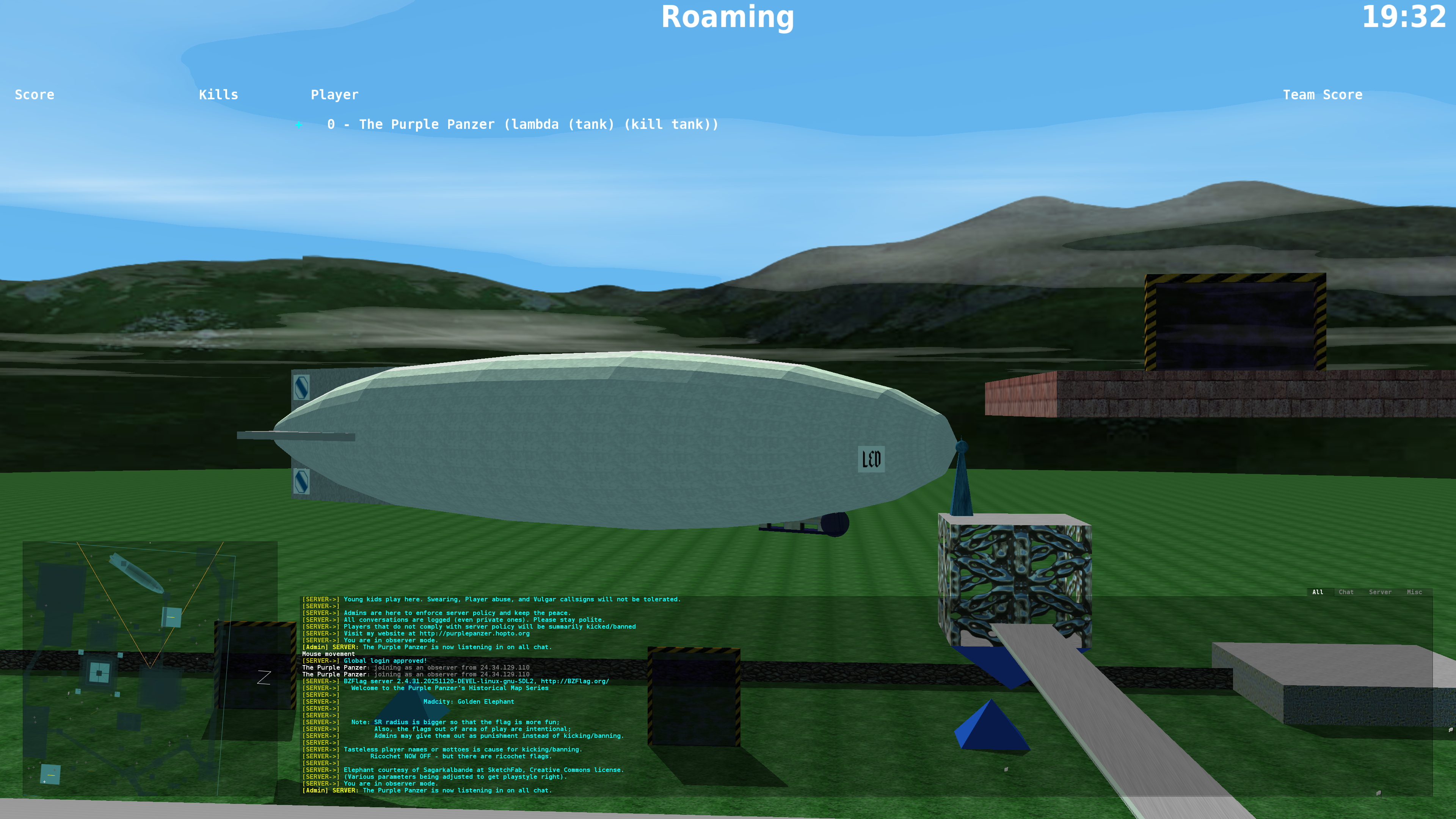
Instead, I read the specs that BZFlag required - essentially meshes, with textures applied. I figured I'd write my own code to do this. One thing I wrote I term a "lathe": it takes a profile, and rotated it about an axis, based on given parameters. It does this by creating meshes and applying the textures. Here are two examples - one from Desert Wars, another a zeppelin I've used in various places (this one with "LED") - on this map there are some interior structures, put in the object by hand:
The turret(s) from Desert War, computed using the "lathe":
On a slightly large scale, a Zeppelin (this one named "LED", though no one seems to get the joke). On at least one map I did the remnants of a burnt Zep on the ground.
When I wrote the first VB version of the toolkit, it was generally cleanly written and well-documented code. It evolved a lot when Version 2 came out, and was cleaned up and 'refactored' quite a bit. Since then, my map creation has virtually ceased, and when I use the toolkit I just hack on whatever addition I need. So it's kind of a mess, but more aesthetically (in the UI) than in the code organization. I will likely do another pass to clean it up, as I'm getting back into the game more, now that our grandson is playing often.
It's all written in Visual Basic, using the free Visual Studio which may be downloaded from Microsoft. Anyone is welcome to the code, just send me an email or BZFlag PM. If I make upgrades I'll let anyone who has it know, and if they wish to augment it, I'll incorporate their changes with credit (at least in the comments, maybe in an "About" menu entry.
I'm not here going to go into other tools, as they change, and are far better described elsewhere. Blender is used quite a bit; I spent time trying to learn it, found (while working full-time) that the learning curve was too high - I did learn it to some extent, but then got away from it for a while, then had to start over. After several such attempts I paused for the unforeseeable future.